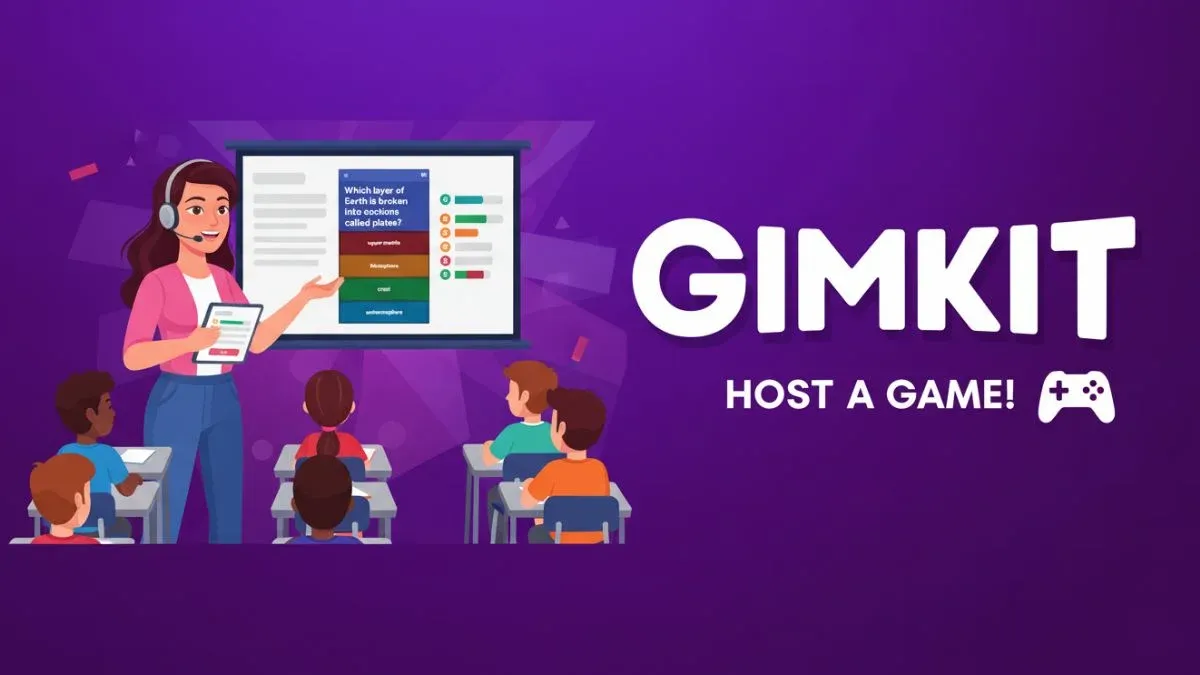
In the modern classroom, engagement and interactivity are crucial for effective learning. Traditional quizzes often fail to capture students’ attention, but Gimkit has transformed this challenge into an exciting experience. Developed by a high school student, Gimkit combines education with game-based learning. It empowers teachers to create interactive quizzes where students earn in-game currency for correct answers and use it to gain advantages, making learning feel more like a game show than a test.
At the heart of this interactive platform lies the Gimkit Host feature a powerful tool that gives educators complete control over how games are run. Whether in live classrooms, virtual lessons, or homework mode, being an efficient Gimkit Host can dramatically enhance participation and learning outcomes.
What Is a Gimkit Host?
A Gimkit Host is the teacher or individual who sets up, launches, and manages live game sessions on Gimkit. Acting as both the organizer and the moderator, the host controls the flow of the game, the pace of questions, and the learning environment.
When you take on the role of a Gimkit Host, you decide how students interact with the quiz from question timing to power-up settings. This gives teachers the flexibility to make the experience suitable for all kinds of learners. Hosting on Gimkit is not only about fun; it’s about fostering competition, collaboration, and critical thinking in a digital environment.
How to Become a Gimkit Host
Becoming a Gimkit Host is simple and doesn’t require any special technical skills. You can set up a game in just a few minutes by following these steps:
- Create a Gimkit Account: Visit Gimkit.com and sign up as a teacher.
- Design Your Kit: Create a “Kit” (a set of questions). You can either write your own or import questions from Quizlet or CSV files.
- Select a Game Mode: Choose from exciting modes such as “Classic,” “Trust No One,” or “The Floor is Lava.” Each offers a unique gameplay experience.
- Host the Game: Click the “Host” button, select your preferred settings, and share the join code with your students.
- Monitor and Control the Game: As a Gimkit Host, you can pause the game, adjust settings, and review results in real time.
The process is intuitive, and Gimkit’s design ensures that even new teachers can confidently manage a live session within minutes.
Top Features Available for Gimkit Hosts
Hosting on Gimkit comes with an array of features designed to keep your sessions lively and effective. Some standout options include:
1. Real-Time Monitoring
As a Gimkit Host, you can view student progress live. You can track scores, monitor participation, and identify which students might need additional support all while the game is in progress.
2. Customizable Game Settings
Gimkit lets you tailor each session to your classroom’s needs. You can adjust question timers, earning rates, and difficulty levels to ensure the game aligns with your lesson objectives.
3. Power-Ups and In-Game Economy
Students earn “cash” for correct answers, which they can use to buy upgrades or sabotage opponents. As a host, you decide whether these features are active, balancing engagement with educational focus.
4. Reports and Analytics
After each session, the Gimkit Host receives detailed reports highlighting student performance. This makes it easy to evaluate learning outcomes and identify areas that require further review.
Hosting Modes: Live, Homework, and Assignments
Gimkit offers flexibility in how games are delivered. Depending on your teaching setup, you can host games in different modes:
1. Live Mode
Ideal for in-class competitions, Live Mode allows you to be an active Gimkit Host. Students compete in real-time, and you control the pace and atmosphere. It’s perfect for review sessions or icebreakers.
2. Homework Mode
If your students can’t participate live, Homework Mode allows them to play at their own pace. You can still monitor performance and adjust settings as needed.
3. Assignment Mode
This mode integrates quizzes into long-term assignments. The Gimkit Host can set due dates and enable multiple attempts, promoting consistent learning and review.
Best Practices for Hosting a Successful Gimkit Session
Hosting effectively requires more than just starting a game. Here are some expert strategies to ensure your Gimkit Host sessions run smoothly:
- Prepare in Advance: Create and test your Kit before class begins to avoid technical issues.
- Balance Fun and Focus: While power-ups are entertaining, too many distractions can reduce learning impact.
- Encourage Collaboration: Try team modes to promote teamwork and communication among students.
- Use Data Wisely: Review the post-game reports to adjust your teaching strategy.
- Maintain a Positive Atmosphere: Praise effort and improvement, not just high scores.
Following these tips ensures your sessions remain both educational and enjoyable.
Benefits of Being a Gimkit Host
Acting as a Gimkit Host offers benefits far beyond game management. Here’s what teachers gain:
- Increased Engagement: Students are more likely to participate and retain information.
- Instant Feedback: Real-time performance tracking helps identify knowledge gaps.
- Adaptable Learning: Adjust settings based on classroom dynamics and student needs.
- Time Efficiency: Quick setup and auto-grading save valuable instructional time.
- Student Empowerment: The game’s competitive nature encourages motivation and self-improvement.
When used effectively, Gimkit transforms from a quiz tool into a complete engagement platform that empowers both teachers and students.
Common Challenges for Gimkit Hosts and How to Solve Them
While Gimkit is user-friendly, new hosts may face a few hurdles. Here’s how to overcome them:
1. Connectivity Issues
Ensure a stable internet connection and remind students to use supported browsers.
2. Off-Task Behavior
Use Gimkit’s host control options to pause or remove players who are off-task.
3. Balancing Speed and Learning
If students rush through questions, use longer timers or enable practice modes to emphasize understanding over speed.
4. Limited Question Variety
Mix in different types of questions multiple-choice, true/false, and short answer to maintain engagement.
5. Overuse of Power-Ups
Restrict power-ups for certain sessions to ensure focus remains on learning objectives.
Tips to Enhance the Student Experience
To make your sessions memorable, try these enhancements as a Gimkit Host:
- Incorporate Multimedia: Add images or audio clips to questions for richer context.
- Themed Games: Align the design and tone of your Kits with upcoming lessons or holidays.
- Rewards System: Offer small incentives for top performers or most-improved players.
- Student Feedback: Ask students what game modes they enjoy most for future sessions.
The key is to continuously refine your approach to keep your learners motivated.
Using Gimkit in Remote and Hybrid Learning
The Gimkit Host role becomes even more powerful in online and hybrid classrooms. With screen-sharing tools like Zoom or Google Meet, you can host live games with students joining remotely. The platform’s automatic updates and easy join codes make it ideal for digital education.
Additionally, Gimkit’s asynchronous modes allow you to assign homework games, making it a perfect companion for flipped classrooms or distance learning environments.
Why Teachers Love Hosting on Gimkit
Teachers across the globe praise Gimkit for its simplicity, flexibility, and ability to make learning enjoyable. Hosting a Gimkit game turns a regular review session into a competitive, laughter-filled experience. More importantly, it promotes student confidence by turning mistakes into opportunities for improvement.
As a Gimkit Host, you have the power to make learning interactive, measurable, and fun qualities that align perfectly with the needs of 21st-century education.
Conclusion:
Being an effective Gimkit Host is about more than running games it’s about building meaningful learning experiences. By leveraging Gimkit’s interactive features, you can create sessions that entertain, educate, and engage simultaneously.
With the right hosting strategies and continuous practice, any educator can master Gimkit hosting and turn every quiz into an unforgettable classroom adventure. Whether you’re teaching in person or online, the Gimkit Host platform gives you everything you need to inspire, assess, and connect with your students like never before.
More Details : Player 333: The Dark Heart of the Squid Game Saga
Frequently Asked Questions (FAQs)
1. What is a Gimkit Host?
A Gimkit Host is the person who creates and manages live or homework-based games on Gimkit, controlling settings, gameplay, and student participation.
2. Can anyone become a Gimkit Host?
Yes, any teacher or student with a Gimkit account can host a session. It’s free to start, with premium features available for advanced customization.
3. What devices support Gimkit hosting?
Gimkit works on laptops, tablets, and smartphones through any modern web browser.
4. How long should a Gimkit session last?
Sessions typically run between 10–30 minutes, depending on question count and game mode. Hosts can adjust the duration freely.
5. Is Gimkit suitable for all grade levels?
Absolutely. Gimkit is adaptable for elementary through college-level classes, allowing hosts to design Kits based on any subject or difficulty level.