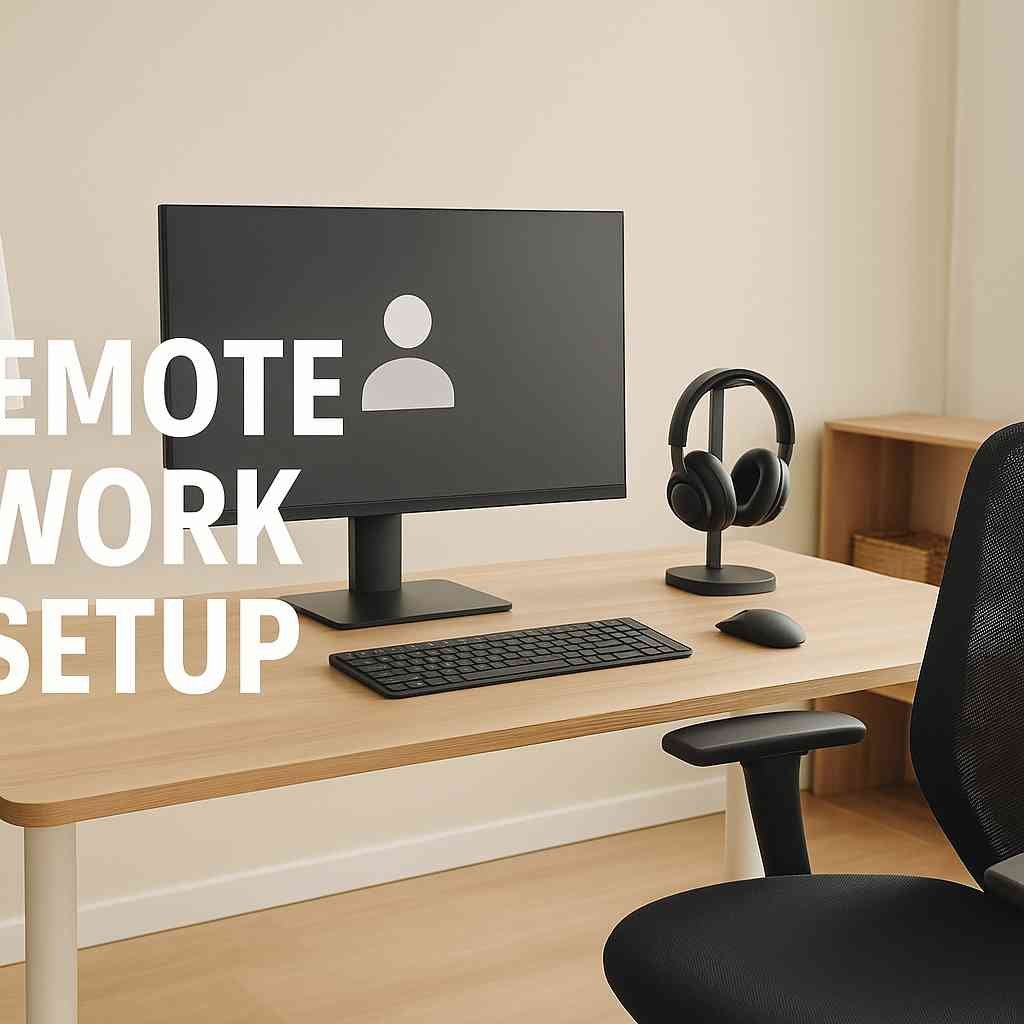
In recent years, the shift toward flexible work environments has transformed how professionals approach productivity and work–life balance. Creating a strong remote work setup is no longer a luxury it has become essential for efficiency, comfort, and long-term well-being. This guide offers a comprehensive, informative breakdown of the tools, strategies, and best practices required to optimize your home office and elevate your performance.
1. Understanding the Importance of a Solid Remote Work Environment
A well-planned work environment sets the foundation for productivity. When working away from a traditional office, distractions can easily reduce focus. That’s why establishing a dedicated space, quality equipment, and a structured workflow is critical. The right environment helps you stay motivated, minimizes stress, and supports higher-quality results.
2. Choosing the Ideal Location for Your Home Workspace
Before buying equipment, the first step is choosing the right location. Select a quiet area with minimal interruptions and enough room for your essential tools. Ideally, this space should be separate from busy household areas so that your mind naturally recognizes it as a place for work.
Those living in smaller homes can still create effective workstations by using corners, unused closets, or multipurpose furniture. The goal is to develop a consistent environment that enhances focus and comfort.
3. Essential Furniture for an Efficient Workspace
Ergonomic furniture plays a vital role in long-term health and comfort. A high-quality office chair supports posture, helps reduce back pain, and boosts productivity. Pair this with a sturdy desk at the right height to prevent strain on your wrists and shoulders.
If possible, consider an adjustable desk that allows you to alternate between sitting and standing. This not only increases comfort but also promotes better blood circulation and energy levels throughout the day.
4. Technology Essentials for a Modern Workspace
A technologically sound remote work setup requires more than just a laptop. Start with a reliable computer that matches your work requirements—whether that’s a lightweight laptop for flexibility or a high-performance desktop for demanding tasks.
Additional essentials include:
- High-speed internet for smooth video calls and uninterrupted workflow.
- External monitors to improve multitasking and reduce eye strain.
- Wireless keyboard and mouse for convenience and better range of motion.
- Noise-canceling headphones for clearer meetings and improved concentration.
Investing in high-quality technology reduces frustration and helps maintain steady productivity throughout your workday.
5. Software and Digital Tools for Productivity
Digital programs are just as important as physical equipment. Collaboration platforms, project management tools, and cloud-based storage ensure that teams stay aligned across distances. Commonly used options include:
- Communication tools: Slack, Microsoft Teams, Zoom
- Project management apps: Trello, Asana, ClickUp
- Cloud storage: Google Drive, Dropbox
With the right combination of tools, you can streamline workflows, keep projects organized, and stay connected to your team no matter where you’re located.
6. Ergonomics and Health Considerations
Maintaining health in a home office should be a priority. Because remote work often involves long hours at a desk, ergonomics can significantly affect physical well-being.
Focus on the following ergonomic principles:
- Keep your screen at eye level.
- Maintain feet flat on the floor with knees bent at a comfortable angle.
- Position your keyboard where your wrists remain straight and relaxed.
- Opt for proper lighting to reduce eye fatigue.
Incorporating ergonomic principles into your remote work setup ensures long-term comfort and reduces the risk of repetitive strain injuries.
7. Lighting and Air Quality for Increased Productivity
Good lighting enhances both mood and focus. Natural light is ideal, as it reduces eye strain and increases energy. If natural light is limited, invest in LED desk lamps that mimic daylight. Avoid harsh overhead lighting that casts shadows on your workspace.
Air quality also influences cognitive function. Fresh air circulation, indoor plants, or a small air purifier can help create a healthier atmosphere that supports productivity.
8. Organization and Storage for a Cleaner Workspace
Clutter can quickly disrupt concentration. Invest in storage solutions such as shelves, drawers, and cable organizers to maintain an orderly environment. A tidy workspace reduces stress and keeps you focused on tasks rather than distractions.
Minimalism is also helpful. Only keep items that serve a clear function, and design your workspace to support simplicity and efficiency.
9. Work–Life Balance in a Remote Environment
One of the biggest challenges of working from home is maintaining clear boundaries. Without a physical separation between work and personal life, burnout becomes more likely.
Try these strategies:
- Set a consistent work schedule.
- Take short breaks throughout the day.
- Avoid working in your bedroom, if possible.
- Establish a routine to help mentally transition into and out of work mode.
A well-balanced approach increases job satisfaction and promotes long-term sustainability.
10. Cybersecurity Measures for Remote Workers
As remote work expands, security threats become more common. You can safeguard sensitive information by implementing strong cybersecurity practices.
Essential steps include:
- Using secure Wi-Fi networks
- Installing antivirus software
- Employing password managers
- Activating two-factor authentication
- Avoiding public internet for confidential work
These practices protect both personal and professional data while keeping your remote work setup compliant with modern security expectations.
11. Communication and Collaboration Best Practices
Clear communication is necessary to maintain team alignment and reduce misunderstandings when working remotely. Aim to use structured communication methods, such as:
- Regular updates
- Scheduled team meetings
- Clear documentation
- Defined expectations
This ensures consistent progress and stronger professional relationships across digital platforms.
12. Personalizing Your Workspace for Motivation
Personalization brings comfort and a sense of ownership. Small touches—such as artwork, a plant, or your favorite notebook—can elevate your mood and make the workspace more enjoyable.
The key is to balance personalization with professionalism and avoid unnecessary clutter that could disrupt focus.
13. Continuous Improvement of Your Setup
A great remote work setup evolves over time. Regularly evaluate what works and what needs improvement. You may find that upgrading equipment, rearranging your workspace, or adopting new digital tools significantly enhances your efficiency.
Take note of discomfort, workflow bottlenecks, or distractions, and make gradual changes to improve your working environment.
Conclusion
Building an effective remote work environment requires planning, purpose, and attention to detail. By optimizing your technology, furniture, communication habits, and daily routines, you can create a productive and comfortable workspace that supports long-term success. With the right strategies in place, your remote work setup becomes a powerful foundation for both professional growth and personal well-being.
More Details : Understanding ezclasswork: The Future of Digital Learning Platforms
FAQs
1. What is the most important element of a remote work setup?
A quiet, dedicated workspace is the key foundation, ensuring focus and minimizing distractions.
2. How can I improve productivity while working from home?
Use structured schedules, remove clutter, and equip your workspace with reliable technology.
3. Do I need ergonomic furniture?
Yes. Ergonomic chairs and desks prevent long-term physical strain and improve comfort.
4. How do I stay connected with my team remotely?
Utilize communication platforms and set regular check-in meetings to maintain alignment.
5. What is the best way to secure my remote work environment?
Use strong passwords, two-factor authentication, antivirus tools, and a secure internet connection.