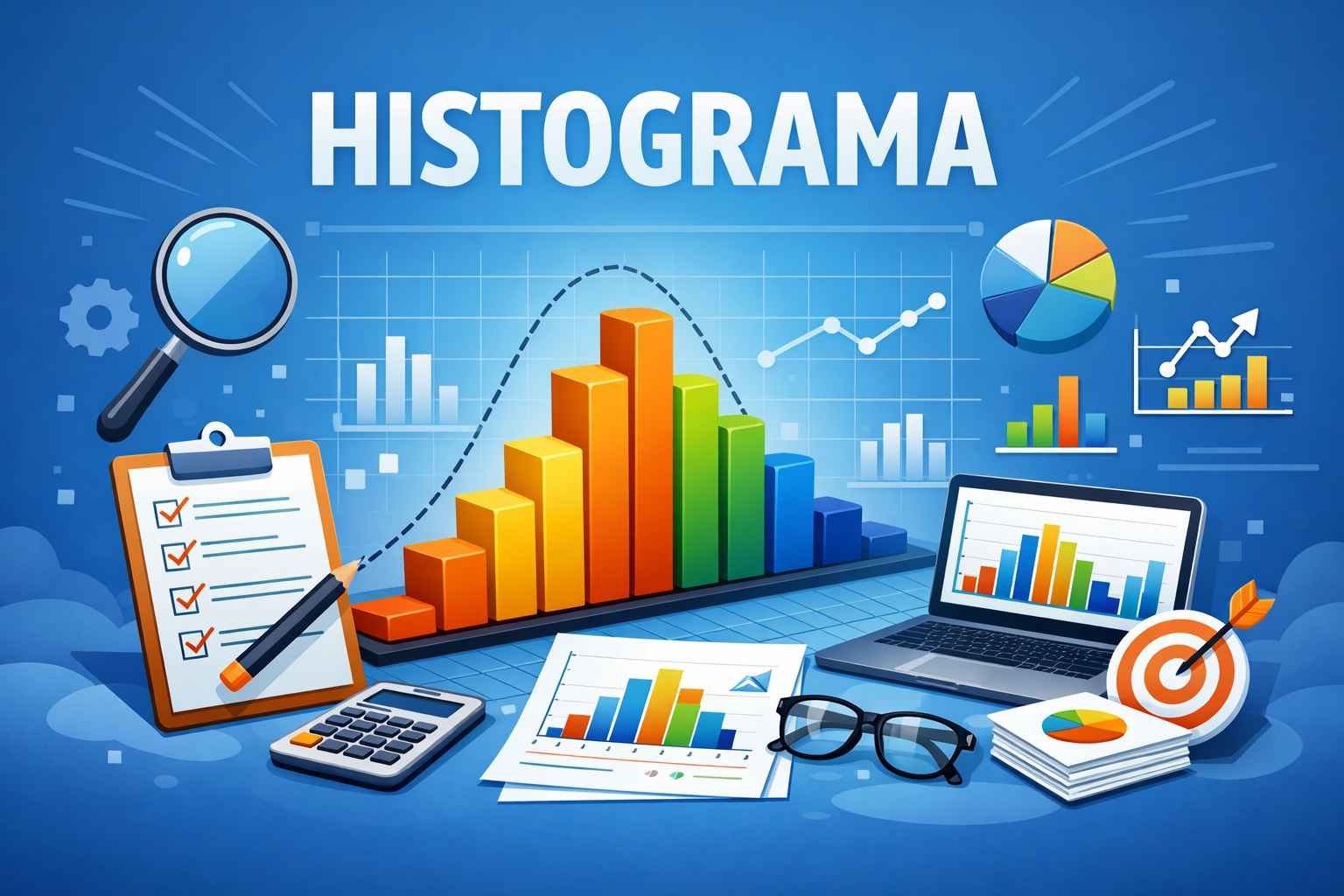
Understanding data is essential in today’s world, where information shapes decisions in science, business, education, and everyday life. One tool that simplifies data interpretation visually and clearly is the histograma. This article provides a complete, in-depth explanation—designed to be highly informative and helpful for students, professionals, and researchers who want to understand why this visual chart is so valuable.
What Is a Histograma?
A histograma is a graphical representation of the distribution of numerical data. It uses bars to show how frequently values occur within specific ranges. Instead of looking at long lists of numbers, a histograma visually groups data into intervals, making it easier to understand patterns like highs, lows, and average occurrences.
A histograma differs from a bar graph because it focuses on continuous numerical data, not categories. For example, a bar chart might compare sales by month, while a histograma shows how many transactions fall within price ranges.
Why the Histograma Is Important
A histograma is used to reveal insights that are not easy to detect through text-based data alone. It:
- Shows the shape of the data distribution
- Helps identify unusual patterns or extreme values
- Detects trends such as skewness or symmetry
- Supports better decisions by communicating information visually
- Makes analytical processes faster and easier
Because of these benefits, it is widely used across industries—from business decision-making to academic research.
Where the Histograma Is Used
The histograma is a universal tool. Some common use cases include:
Business Sector
Companies use histograms to analyze customer age groups, spending ranges, frequency of purchases, and employee performance metrics. These insights help organizations improve strategies and target audiences more effectively.
Science & Research
Researchers depend on histograms to analyze experiment results, compare outcomes, and determine whether variables show meaningful patterns. They are common in biology, psychology, physics, and environmental studies.
Education
Teachers use histograms to examine student test score ranges. This helps determine whether learning objectives are being met or if special teaching improvements are needed.
Healthcare
Medical professionals analyze patient data—such as blood pressure ranges or recovery times—to improve treatments and preventive measures.
Parts of a Histograma Explained
To use a histograma successfully, you must understand its structure. The main elements include:
1. Bins or Intervals
These are the grouped numeric ranges (e.g., ages 18–25, 26–33). Each bin contains a set of data points that fall within the defined limits.
2. Frequency
This refers to how many data points fall into each interval. A taller bar means a higher frequency.
3. Bars
Bars represent the visual count of values in each bin. All bars in a histograma must touch each other because the data is continuous.
4. X-Axis (Horizontal Axis)
Shows the numeric ranges or categories of the bins.
5. Y-Axis (Vertical Axis)
Displays frequency values, showing how often each range appears.
Types of Histograma
Understanding the different patterns of histograms helps users interpret data more accurately. There are several common types:
1. Normal Distribution
This histograma shows a bell-shaped curve where most data sits around the center, indicating consistency and balance. It is often seen in human characteristics such as height or test scores.
2. Skewed Distribution
When data is pushed toward one side, the histograma becomes skewed.
- Left-skewed: data clusters on the right, extreme values on the left
- Right-skewed: data clusters on the left, extreme high values on the right
3. Bimodal Distribution
This histograma displays two high peaks, suggesting two main groups exist in the data—e.g., scores of students who studied versus those who did not.
4. Uniform Distribution
All bars have similar heights, indicating equal frequency across ranges, which means no particular range dominates.
How to Create a Histograma – Step-By-Step
Creating a histograma is simple when data is prepared correctly. Follow these steps:
Step 1: Collect Numerical Data
Example: Exam scores of 50 students.
Step 2: Set Ranges (Bins)
Decide how to group data. Example: 0–20, 21–40, 41–60, 61–80, 81–100.
Step 3: Count Frequency
Find how many values fall in each bin.
Step 4: Draw Axes
Label the x-axis with intervals and y-axis with frequency.
Step 5: Draw Bars
Plot bars touching each other to show the continuous nature of the information.
Benefits of Using a Histograma
A histograma provides several advantages:
Makes Data Easy to Understand
Complex numerical data becomes simple when converted into a chart.
Helps Spot Trends
A histograma makes increases, decreases, and patterns immediately visible.
Supports Data-Driven Decisions
Organizations depend on visual analytics to guide strategies. Knowing distribution helps them avoid risk and plan effectively.
Improves Data Accuracy
Errors, outliers, and inconsistencies become more noticeable using this method.
Preferred Tool in Professional Reports
Because of its clarity, a histograma is commonly included in academic journals, performance reports, thesis work, and presentations.
Common Mistakes to Avoid
While using a histograma, several errors may reduce clarity:
- Choosing bins that are too wide or too narrow
- Not labeling axes properly
- Mixing non-numerical and numerical data
- Changing bin sizes within the same chart
- Using it when a different chart (like a pie chart) is more appropriate
Avoiding these mistakes ensures that your histograma remains useful and professional.
Histograma vs Bar Graph – Key Differences
Although both display data using bars, they are not the same.
A histograma:
- Uses continuous numerical values
- Bars touch one another
- Shows how values distribute across ranges
A bar graph:
- Uses categories (like months or names)
- Bars have spaces between them
- Compares groups, not ranges
Understanding this difference is essential for selecting the correct visualization tool.
Digital Tools to Create a Histograma
Modern software programs help create histograms instantly. Some popular options include:
| Tool | Features |
|---|---|
| Microsoft Excel | User-friendly, ideal for basic business reports |
| Google Sheets | Free and accessible on any device |
| Python (Matplotlib, pandas) | Great for data science and automation |
| R Programming | Best for academic research and statistics |
| Tableau & Power BI | Ideal for dashboards and business analytics |
Future of Data Visualization and the Histograma
As technology grows, data visualization will only increase in importance. With artificial intelligence, machine learning, and big-data analytics rapidly evolving, using tools like a histograma will remain essential for simplifying and communicating massive information quickly.
Businesses today prioritize faster decision-making—meaning simple visual tools will always play a major role.
More Details : A Fresh Perspective on Contemporary Romance Cinema: A Detailed Review of Metro In Dino
Conclusion
A histograma is more than just a chart—it is a foundation of meaningful data insight. Whether you are a business owner, student, researcher, or analyst, learning how to use this visual tool correctly will unlock better understanding and smarter decisions. It converts raw numbers into easily digestible information, making trends obvious and improving interpretation and communication.
By mastering how to interpret and create a histograma, you gain a powerful skill to analyze data clearly and professionally.
(FAQs)
1. What is the purpose of a histograma?
It visually displays how often numerical values occur within defined ranges, helping users easily understand data distribution.
2. Who uses a histograma?
Students, researchers, businesses, scientists, and healthcare workers all use histograms to interpret large sets of information.
3. Does a histograma require continuous data?
Yes. A histograma works best with continuous numerical values, unlike bar charts which work with categories.
4. Can a histograma show multiple groups?
Yes. A bimodal histograma can show two peaks, indicating two main groups in the data.
5. What software is best for creating a histograma?
Excel, Google Sheets, and Tableau are great for general use; Python and R are best for advanced analytics.