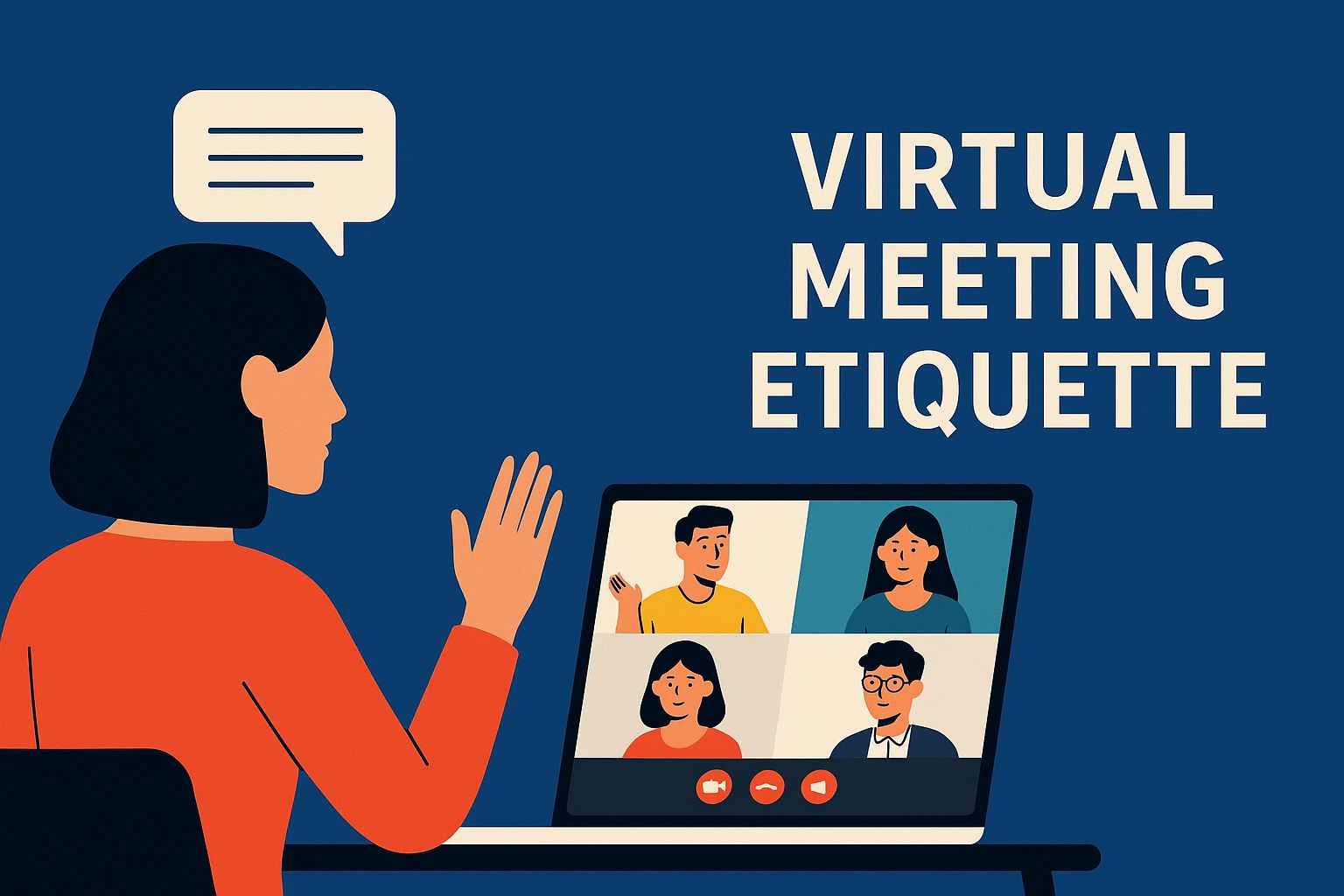
Remote and hybrid work has transformed how teams collaborate. Today, online meetings are the primary platform for discussions, planning, and decision-making. This shift makes virtual meeting etiquette essential for maintaining professionalism, preventing confusion, and ensuring productive communication. When every participant understands clear expectations, meetings become more focused and efficient.
Preparing for the Meeting: Setting the Right Foundation
Strong preparation builds confidence and reduces unnecessary delays during the session.
Test Your Technology
Before joining, ensure your microphone, camera, and internet connection work smoothly. Technical interruptions disrupt flow and waste time. A quick system check helps you enter the meeting confidently.
Review the Agenda
Reading the agenda in advance helps you prepare relevant points and prevents off-topic discussions. It also ensures the meeting stays organized and purposeful.
Creating a Professional Presence On Camera
Even though you’re not in a physical office, digital presence still matters.
Dress Like a Professional
Your appearance signals seriousness and respect for the team. You don’t need formal clothing, but something clean and decent helps maintain credibility.
Choose a Quiet Space
Minimize background distractions. A peaceful place allows others to hear you clearly and keeps the conversation smooth.
Use Good Lighting
Sit facing a light source so your face is visible. Poor lighting makes you look distracted or disengaged.
Effective Communication: The Heart of Virtual Meeting Etiquette
Good communication ensures everyone understands the message clearly and avoids misinterpretations.
Mute When Not Speaking
This single habit prevents unwanted background noise from interrupting others, keeping the audio clean and easy to follow.
Speak Clearly and Slowly
Online platforms sometimes create audio delays. Clear speaking ensures your points are understood without repetition.
Show Active Participation
Use head nods, reactions, or the “raise hand” feature to show attentiveness without interrupting the speaker.
Respecting Others’ Time and Space
Respect is the backbone of professional digital communication.
Be Punctual
Join a few minutes early so you’re ready when the meeting begins. Punctuality shows responsibility and commitment.
Avoid Multitasking
Switching tabs or checking your phone sends the message that the meeting isn’t important. Staying attentive improves your contribution and shows respect for colleagues.
Listen Without Interrupting
Allow others to complete their thoughts. Digital conversations require an extra second of pause to avoid talking over someone due to audio delays.
Hosting Responsibilities: Guiding the Meeting Effectively
A strong host ensures the meeting stays productive, engaging, and time-efficient.
Start With a Warm Welcome
A short greeting sets a friendly tone and makes newcomers feel included.
Use Interactive Tools
Features like polls, breakout rooms, and shared screens keep participants more engaged and reduce monotony.
Summarize Discussions
Providing short summaries throughout the meeting helps clarify decisions and ensures everyone stays aligned.
Handling Challenges With Professional Calmness
Digital meetings can face unexpected issues. Handling them appropriately maintains the meeting’s flow and atmosphere.
Deal With Technical Issues Politely
If someone faces connectivity problems, remain patient. Offering simple guidance can help solve the issue quickly.
Manage Conflicts Constructively
If disagreements occur, encourage calm, solution-focused discussion. Avoid blame and stick to facts.
Redirect Off-Topic Conversations
If the discussion drifts from the agenda, gently guide it back to maintain efficiency.
Ending the Meeting With Clear Action Items
A strong ending ensures all attendees know what to do afterward.
Recap Decisions
Briefly highlight key tasks, deadlines, and responsibilities. This prevents confusion and unnecessary follow-up messages.
Ask for Final Questions
This allows participants to clarify concerns before leaving the session.
Send a Follow-Up Summary
Sharing meeting notes strengthens accountability and helps absent members stay updated.
Conclusion
Practicing virtual meeting etiquette strengthens collaboration, enhances professionalism, and ensures meaningful online interactions. Whether you’re a host or a participant, following these guidelines creates a more respectful, focused, and productive digital environment. Strong etiquette not only improves communication but also leaves a positive impression on colleagues, clients, and partners.
More Details : The Rise of Software Keepho5ll: What You Need to Know About This Mysterious New Name in Tech
FAQs
1. What is virtual meeting etiquette?
It refers to the professional behavior and guidelines that help participants communicate effectively in online meetings.
2. Why is good etiquette important for remote work?
It prevents distractions, improves clarity, and ensures that meetings stay productive.
3. Should I keep my camera on during meetings?
Yes, unless your company allows otherwise. It increases engagement and makes communication more personal.
4. How can I avoid technical problems?
Check your internet, audio, and camera before the meeting starts.
5. What is the best way to stay focused?
Remove digital distractions, take notes, and follow the agenda closely.