The market is packed with apps promising better focus, faster output, and smarter workflows. Yet most people download a new system, feel motivated for a week, and then slowly stop using it. The issue isn’t the lack of options — it’s that most tools don’t fit real working habits.
True productivity comes from using solutions that reduce friction, simplify daily tasks, and support consistent routines. After years of testing dozens of platforms, only a handful truly made work easier instead of more complicated.
This article breaks down the essential qualities of effective software and highlights the tools that consistently deliver long-term value.
The Core Principles Behind Effective Productivity Systems
Before selecting any Productivity Tools, it’s important to understand what makes a system genuinely helpful. A strong setup reduces cognitive load, not increases it.
The most effective tools share a few key traits:
- Fast input – You should be able to add tasks or notes instantly.
- Clear structure – Your brain shouldn’t waste energy figuring out the interface.
- Easy access – Everything should be available on both desktop and mobile.
- Low learning curve – If you need tutorials to understand basics, it’s not worth it.
- Adaptability – The system should flex with your workflow, not fight it.
These traits separate long-term usable tools from those that fail after the initial excitement fades.
Why Simplicity Always Beats Feature Overload
Many platforms try to impress users with dozens of features, advanced dashboards, and endless customization. While these look powerful at first, they often create more complexity.
The most reliable tools are simple.
They help you focus on work — not the tool itself.
Simplicity improves:
- Decision-making
- Mental clarity
- Speed
- Consistency
- Motivation
In real-world usage, minimal and clean interfaces always outperform complex systems.
How the Wrong Tools Destroy Focus
Using the wrong system can reduce productivity instead of improving it. Here’s how:
1. Too Many Apps = Too Much Switching
Every time you jump from one tool to another, your brain loses focus. This leads to fatigue and slower output.
2. Complicated Interfaces = Decision Overload
If you spend more time organizing instead of working, the tool is useless.
3. Lack of Integration = Scattered Information
A poor system spreads your tasks, notes, and files across different places — creating chaos.
The right solution eliminates these problems and builds a smooth, distraction-free workflow.
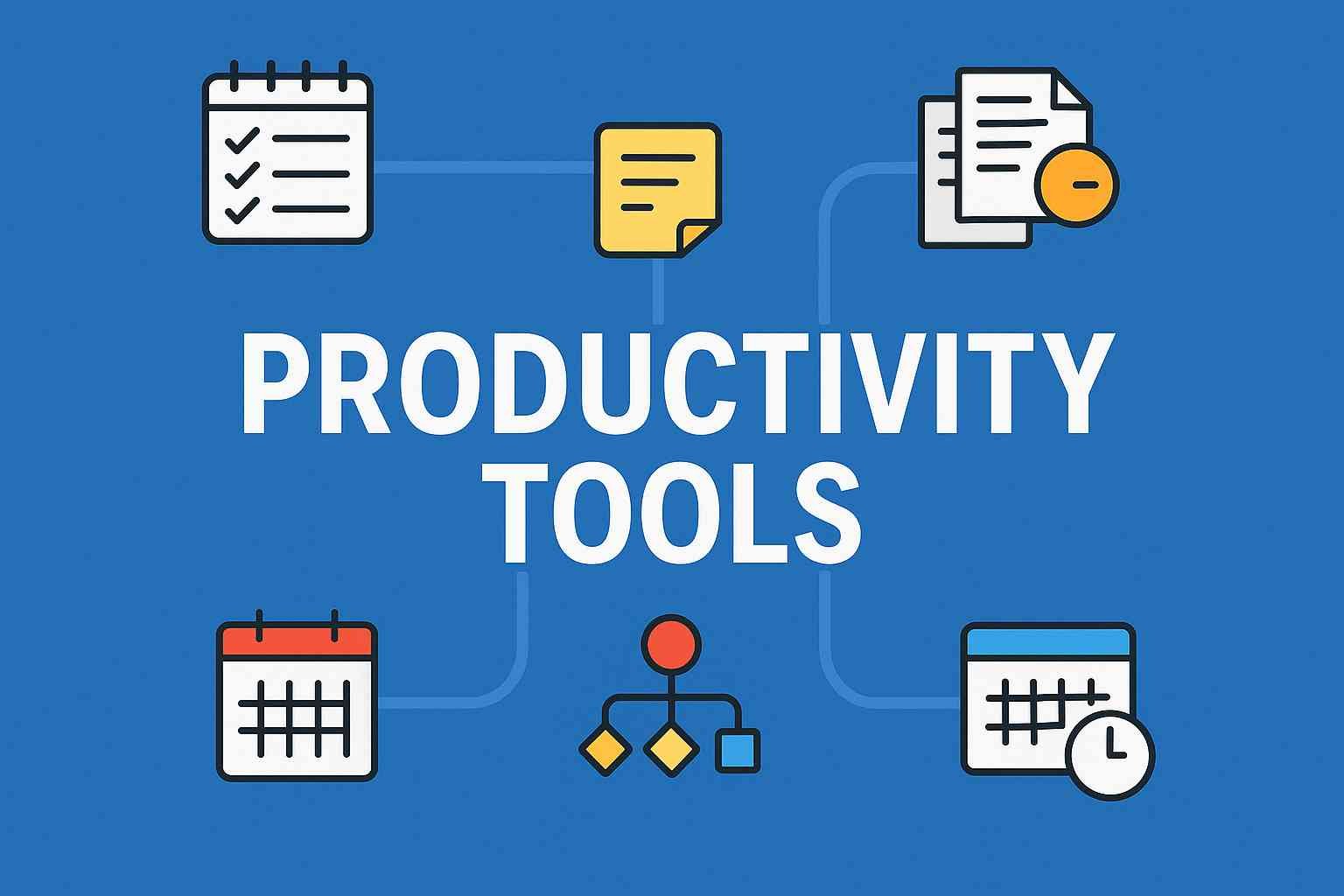
The 6 Productivity Tools That Consistently Outperformed All Others
1. A Clean Task Manager for Clear Daily Priorities
A task manager is the foundation of any productivity system.
But complicated ones cause overwhelm.
The best task managers have:
- A simple daily view
- Priority markers
- Due dates
- Quick add features
- Minimal friction
A tool that helps you see your day clearly increases focus and reduces stress.
2. A Fast Note-Taking System for Capturing Ideas Instantly
Ideas appear randomly — during meetings, travel, or even at night.
A good note system must:
- Open quickly
- Sync across devices
- Allow simple tagging
- Make searching effortless
Your creative flow depends on a tool that lets you store thoughts instantly and retrieve them quickly.
3. A Visual Digital Calendar for Realistic Planning
A calendar is not just for reminders — it shapes your entire work structure.
The best calendars support:
- Time-blocking
- Break scheduling
- Meeting organization
- Flexible rescheduling
When your calendar is clear, your day becomes clear.
4. Automation Tools to Eliminate Repetitive Work
Small repetitive tasks eat up hours every week — file sorting, reporting, copying data, sending recurring emails, etc.
Automation tools remove these tasks completely.
They help with:
- Auto-sending routine messages
- Auto-organizing files
- Creating reports
- Syncing data
- Reducing manual effort
Automation multiplies your output without increasing effort.
5. Document Collaboration Tools for Smooth Teamwork
Teams lose countless hours searching for files, requesting updates, and fixing communication gaps.
A strong collaboration tool centralizes everything:
- Shared documents
- Live editing
- Comment tracking
- Version history
This saves time, reduces confusion, and speeds up team decision-making.
6. A Dedicated Focus Tool to Remove Distractions
The biggest enemy of productivity is digital distraction — notifications, tabs, messages, and sounds.
A focus tool helps eliminate that noise by offering:
- Distraction blocking
- Timed deep work sessions
- Ambient sound options
- Minimalist work environments
A dedicated focus environment supports better concentration and faster progress.
The Hidden Cost of Using Too Many Tools
More tools don’t mean more productivity.
In fact, tool overload causes:
- Confusion
- Fragmented workflows
- Repeated tasks
- Higher mental fatigue
- Lower motivation
A streamlined system made from 5–6 carefully chosen tools is far more powerful than a bloated setup of 20+ apps.
How to Build a Sustainable Workflow With Fewer, Better Tools
A long-lasting productivity system depends on three factors:
1. Clarity
You should always know what needs to be done next.
2. Consistency
The system should be easy enough to use every day.
3. Simplicity
The fewer steps required, the better the habit formation.
Once a system meets these three principles, it becomes effortless to maintain and delivers long-term results.
Final Thoughts:
After years of testing dozens of platforms, one truth stands out:
The best tools don’t add more to your day — they remove friction, save time, and help you think clearly.
Real productivity isn’t about fancy dashboards.
It’s about simple, reliable systems that support uninterrupted work and smarter decision-making.
Choose fewer tools, but choose the right ones — and your performance will improve naturally.
More Details : 47 Insider Freelancing Tips & Strategies to Build a High-Income Career (From Real Experience, Not Theory)
FAQs
1. How many Productivity Tools should I ideally use?
Around 5–6 tools are enough for a complete and efficient workflow.
2. Should I switch tools often?
Constant switching harms productivity. Stick to a tool unless it stops meeting your needs.
3. What is the best way to test a tool?
Use it daily for at least a week and check if it reduces effort, saves time, and increases clarity.
4. Are paid tools better?
Not always. Free versions perform extremely well unless you need advanced team or automation features.
5. What is the biggest mistake people make when choosing tools?
Choosing apps based on hype instead of their working habits.